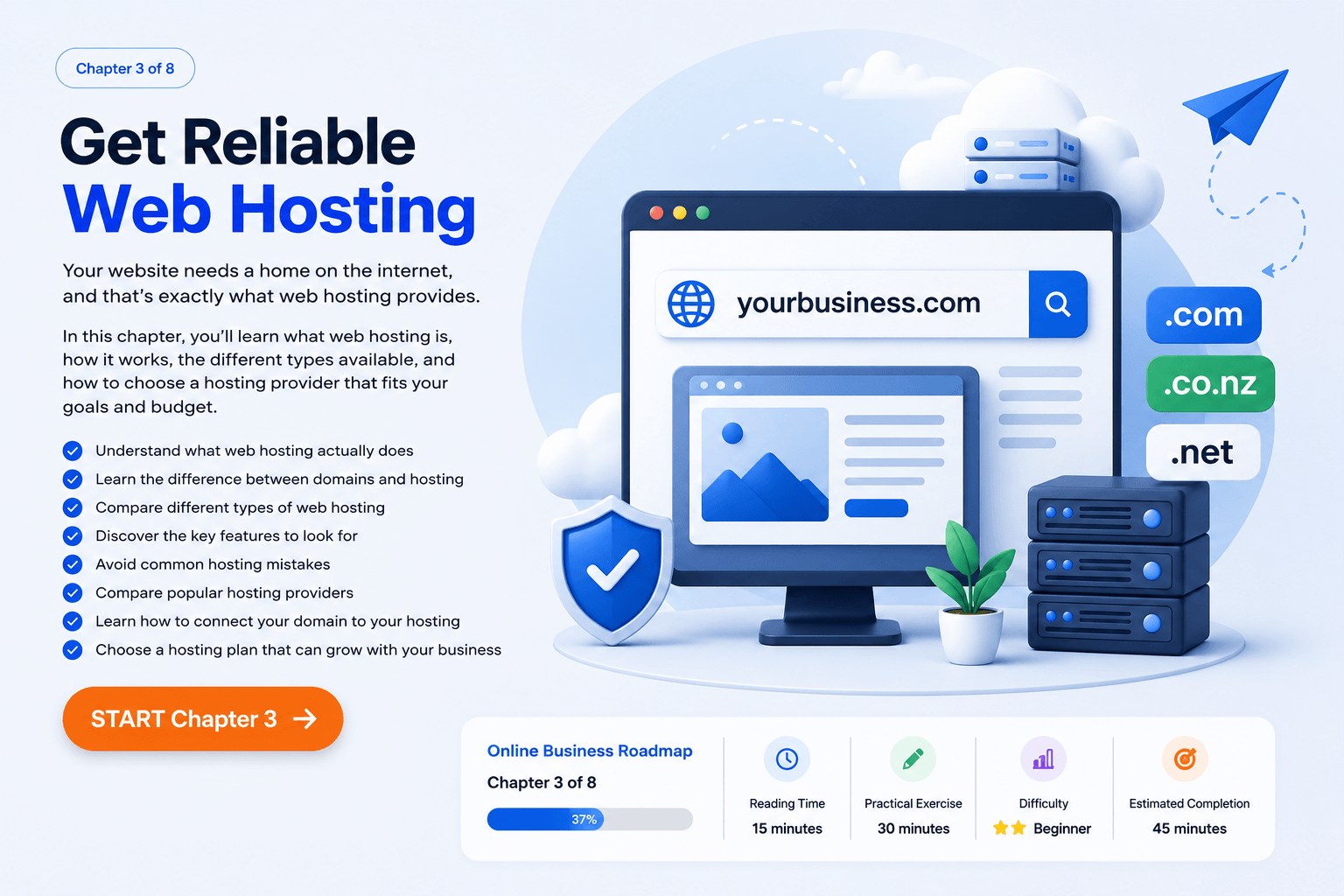
Chapter 3 of 8
Get Reliable Web Hosting
Your website needs a home on the internet, and that’s exactly what web hosting provides.
In this chapter, you’ll learn what web hosting is, how it works, the different types available, and how to choose a hosting provider that fits your goals and budget.
Online Business Roadmap
- Chapter 3 of 10 30%
You don’t need the most expensive hosting plan to build a successful website.
Choose something reliable, beginner-friendly, and capable of growing with your business.
Reading Time 15 minutes
Practical Exercise 30 minutes
Difficulty ⭐⭐ Beginner
Estimated Completion 45 minutes
What You’ll Learn in This Chapter
✔ Understand what web hosting actually does.
✔ Learn the difference between domains and hosting.
✔ Compare different types of web hosting.
✔ Discover the key features to look for.
✔ Avoid common hosting mistakes beginners make.
✔ Compare popular hosting providers.
✔ Learn how to connect your domain to your hosting.
✔ Choose a hosting plan that can grow with your business.
Why Web Hosting Matters
Your Website Needs a Home
If your domain name is your online address, web hosting is the land and house built on that address.
Web hosting stores all of your website’s files, images, pages, and content, making them accessible to visitors 24 hours a day, seven days a week.
Without hosting, your website simply cannot exist online.
Why hosting matters
✔ Keeps your website online
✔ Stores your files and images
✔ Affects website speed
✔ Helps protect your site
✔ Supports future growth
Domain vs Hosting Explained
Understanding the Difference
Many beginners confuse domains and hosting, but they are two separate services.
Your domain name is your website address:
📍 guideintoplace.com
Your web hosting is where your website actually lives.
Think of it like this:
🏠 Domain: Your street address.
🏡 Hosting: The house built at that address.
You need both to create a website.
Types of Web Hosting
Choosing the Right Hosting
There are several types of hosting available.
Shared Hosting
The most affordable option. Your website shares server resources with other websites.
✅ Great for beginners.
WordPress Hosting
Hosting specifically designed for WordPress websites.
✅ Easier setup and maintenance.
VPS Hosting
A virtual private server with more resources and flexibility.
✅ Better for growing businesses.
Cloud Hosting
Your website runs across multiple servers.
✅ Faster and more scalable.
For most beginners, shared hosting or managed WordPress hosting is the best choice.
Features to Look For
What Makes a Good Hosting Provider?
Not all hosting companies are the same.
Look for:
✔ Fast loading speeds
✔ Strong security features
✔ Daily backups
✔ Free SSL certificate
✔ Good customer support
✔ Easy WordPress installation
✔ Room to grow
✔ Fair renewal pricing
Quick Tip
You don’t need the most expensive hosting plan to build a successful website. Start with a reliable hosting provider that fits your budget—you can always upgrade later as your business grows.
Common Beginner Mistakes
Avoid These Hosting Mistakes
❌ Buying the most expensive plan.
❌ Choosing based on price alone.
❌ Ignoring renewal costs.
❌ Forgetting backups.
❌ Choosing hosting that doesn’t support growth.
❌ Spending weeks comparing every provider.
Remember: your first hosting plan doesn’t need to be perfect.
Popular Hosting Companies
🌍 Hostinger
🌍 Cloudways
🌍 Rocket.net
🌍 SiteGround
🌍 Kinsta
🌍 Bluehost
How to Buy Hosting
Getting Started
Buying hosting usually takes less than 15 minutes.
Steps:
- Choose a hosting company.
- Select a plan.
- Create an account.
- Connect your domain name.
- Complete the purchase.
- Install WordPress.
Congratulations—your website now has a home online.
Connect Your Domain
Linking Everything Together
Once you’ve purchased hosting, you’ll need to connect your domain.
Most hosting companies provide simple instructions, but the process usually involves:
✔ Logging into your domain registrar.
✔ Updating your nameservers.
✔ Waiting for the changes to take effect.
✔ Testing your website.
This process can take anywhere from a few minutes to 48 hours.
Your Action Steps
☐ Compare at least three hosting providers.
☐ Decide which type of hosting you need.
☐ Choose a hosting plan.
☐ Purchase your hosting account.
☐ Connect your domain.
☐ Install WordPress.
🎁 Free Beginner Online Business Toolkit
Keep building with 5 practical tools designed to help you plan your business, organise your content and prepare your website for launch.
📌 Key Takeaways
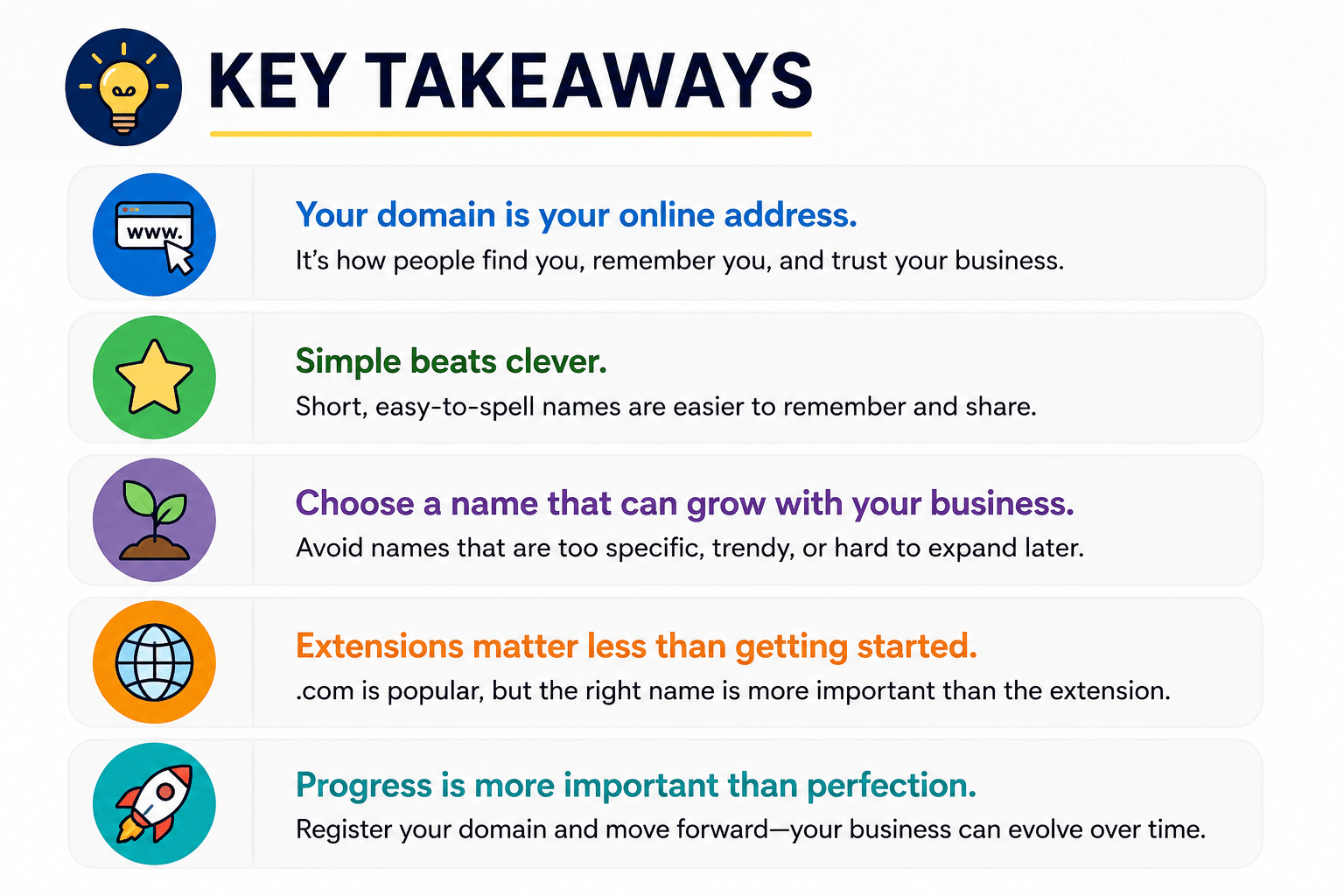
- Web hosting stores your website files and keeps your site online.
- Domains and hosting are different services.
- Shared and WordPress hosting are ideal for most beginners.
- Speed, security, and support matter more than price alone.
- Your hosting plan can change as your business grows.
Chapter Completed
🎉 Congratulations!
You’ve completed Chapter 3: Get Reliable Web Hosting.
You now understand how web hosting works and are ready to build your website.
Next Chapter: Build Your Website.
⭐ The journey doesn’t end here. New chapters are being added regularly as we continue building The Complete Online Business Roadmap.
Already Know this?
Frequently Asked Questions
✅ What is web hosting?
Web hosting is a service that stores your website’s files and makes them available online. Without hosting, visitors would not be able to access your website.
✅ Do I need both a domain name and web hosting?
Yes. Your domain name is your website address (for example, yourbusiness.com), while web hosting is where your website’s files and content are stored.
✅ Which type of hosting is best for beginners?
For most beginners, shared hosting or managed WordPress hosting is the best option. It is affordable, easy to set up, and provides everything you need to launch your first website.
✅ Can I change hosting providers later?
Yes. If your website grows or your needs change, you can move your website to a different hosting company. Many hosting providers even offer free migration services.
✅ How much does web hosting cost?
Prices vary depending on the provider and the type of hosting you choose. Beginner hosting plans typically start from around $5–$20 per month.
✅ Should I buy hosting and my domain from the same company?
Many beginners find it easier to keep everything with one provider because setup and support are simpler. However, you can also purchase your domain and hosting from different companies if you prefer.
✅ What happens if my hosting expires?
If your hosting account expires, your website may go offline and visitors will no longer be able to access it. Most hosting companies send reminder emails before renewal dates.
✅ What should I look for in a hosting provider?
Look for fast performance, good customer support, security features, daily backups, a free SSL certificate, and hosting that can grow with your business.
- Chapter 3 of 10 30%
GuideIntoPlace
Your Guide to Building a Profitable Online Business
Learn, build and grow your online business with step-by-step guides, free calculators, AI tools and practical resources.
GET STARTED:
Getting Started
- Start Here
- Choose a Niche
- Buy a Domain
- Build Your Website
- Create Helpful Content
- Earn Your First Income
Learn and Grow
- Affiliate Marketing
- SEO
- AI Tools
- Blogging
- Email Marketing
- Social Media
- Reviews
Business Tools
Helping beginners build profitable online businesses.
Made with ❤️ in New Zealand
© 2026 GuideIntoPlace