Chapter 9 of 10
Automate & Use AI Tools
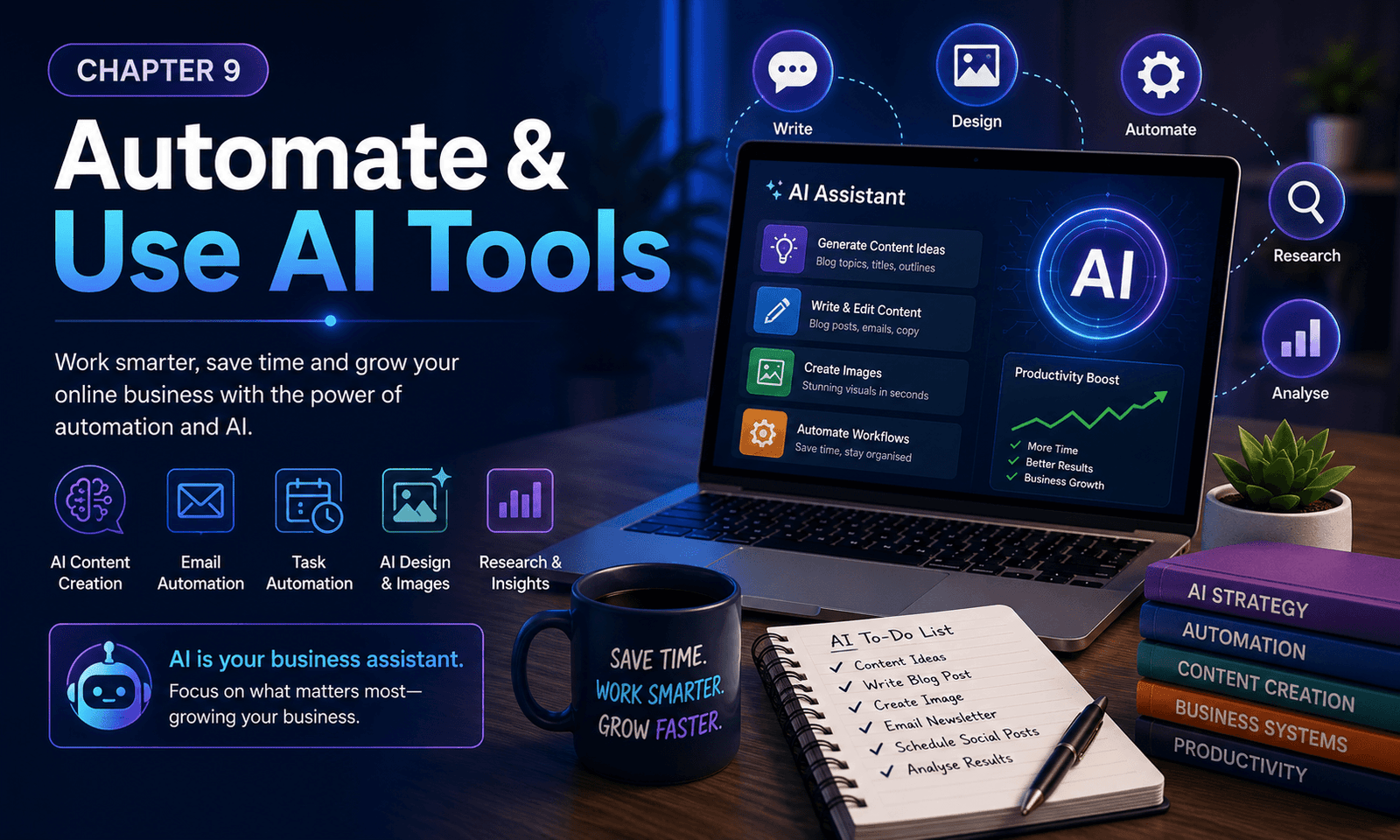
Running an online business involves many repetitive tasks, from writing content and replying to emails to creating images and planning social media posts. Fortunately, modern AI tools and automation can help you work faster, stay organised, and focus more of your time on growing your business. In this chapter, you’ll discover how artificial intelligence can become your business assistant, helping you improve productivity while still keeping your unique voice and creativity.
Online Business Roadmap
- Chapter 9 of 10 90%
What You’ll Learn in this Chapter
✔ Understand what AI can (and can’t) do
✔ Discover useful AI tools for beginners
✔ Automate repetitive business tasks
✔ Save time creating content
✔ Improve productivity with AI assistants
✔ Use AI responsibly and ethically
✔ Keep your personal voice while using AI
✔ Build smarter business systems
Quick Tip
AI should help you work smarter—not replace your thinking. Use it to save time, generate ideas, and automate repetitive tasks, but always review and personalise the final result.
Reading Time
15 Minutes
Practical Exercise
30 Minutes
Difficulty
⭐⭐ Beginner
Estimated Completion
45 Minutes
Lesson 1 – What Is Artificial Intelligence?
Artificial Intelligence (AI) refers to computer systems that can assist with tasks that normally require human thinking, such as writing, analysing information, generating images, answering questions, and organising ideas.
Rather than replacing people, AI is best viewed as a powerful assistant that helps you complete tasks more efficiently.
For online business owners, AI can reduce repetitive work, improve productivity, and free up more time for the areas where your experience and creativity matter most.
Lesson 2 – AI Tools Every Beginner Should Know
There are now thousands of AI tools available, but you don’t need to learn them all.
Some of the most useful categories include:
- AI writing assistants
- AI image generators
- AI design tools
- AI video creators
- AI research assistants
- AI transcription tools
- AI meeting assistants
- AI coding assistants
Start with one or two tools that solve your biggest challenges before exploring others.
Lesson 3 – Save Time Creating Content
Creating blog posts, social media updates, emails, and website content takes time.
AI can help you:
- Brainstorm ideas
- Create outlines
- Improve headlines
- Rewrite sentences
- Summarise information
- Suggest titles
- Improve readability
- Check grammar
Remember, AI should support your writing—not replace your knowledge and experience.
Your audience wants to hear your perspective.
Lesson 4 – Automate Everyday Business Tasks
Many daily tasks can be automated.
Examples include:
- Welcome email sequences
- Newsletter delivery
- Appointment reminders
- Customer follow-up emails
- Social media scheduling
- File organisation
- Data backups
- Task reminders
Small automations can save hours every week.
Lesson 5 – AI for Design and Creativity
Even if you’re not a designer, AI can help create professional-looking content.
Examples include:
- Website graphics
- Blog illustrations
- Social media images
- Presentation slides
- Logos
- Marketing materials
- Product mock-ups
- Infographics
Always check that images accurately represent your business and are appropriate for your audience.
Lesson 6 – Use AI Responsibly
AI is incredibly helpful, but it isn’t perfect.
Always:
✔ Check facts.
✔ Verify statistics.
✔ Review recommendations.
✔ Correct mistakes.
✔ Add your own knowledge.
Never assume AI-generated information is automatically accurate.
Your reputation depends on providing trustworthy information.
Lesson 7 – Keep Your Human Voice
One mistake many beginners make is publishing AI-generated content without adding any personality.
People connect with people.
Share:
- Personal experiences
- Lessons you’ve learned
- Successes
- Mistakes
- Opinions
- Stories
AI can write words.
Only you can provide authenticity.
Lesson 8 – Build Systems That Grow With You
As your business expands, you’ll begin creating systems that make running your business easier.
Examples include:
- Content planning workflows
- Email automation
- Customer support templates
- AI-assisted research
- Marketing checklists
- Project management
- Business dashboards
- Standard operating procedures (SOPs)
Good systems reduce stress and make growth much more manageable.
Kittl combines templates, editing features and AI-powered design tools. See our full Kittl review to decide whether it suits your creative workflow.
Remember
Your first sale isn’t the finish line—it’s proof that your business works. Focus on helping people consistently, and the income will continue to grow.
Practical Exercise
Complete the following tasks before moving to Chapter 10:
✔ Choose one AI tool that could save you time.
✔ Use AI to brainstorm ten new content ideas.
✔ Create one AI-assisted image or graphic.
✔ Draft one email using an AI writing assistant.
✔ Identify one repetitive task you could automate.
✔ Review all AI-generated work before publishing.
📌 Key Takeaways Chapter 9
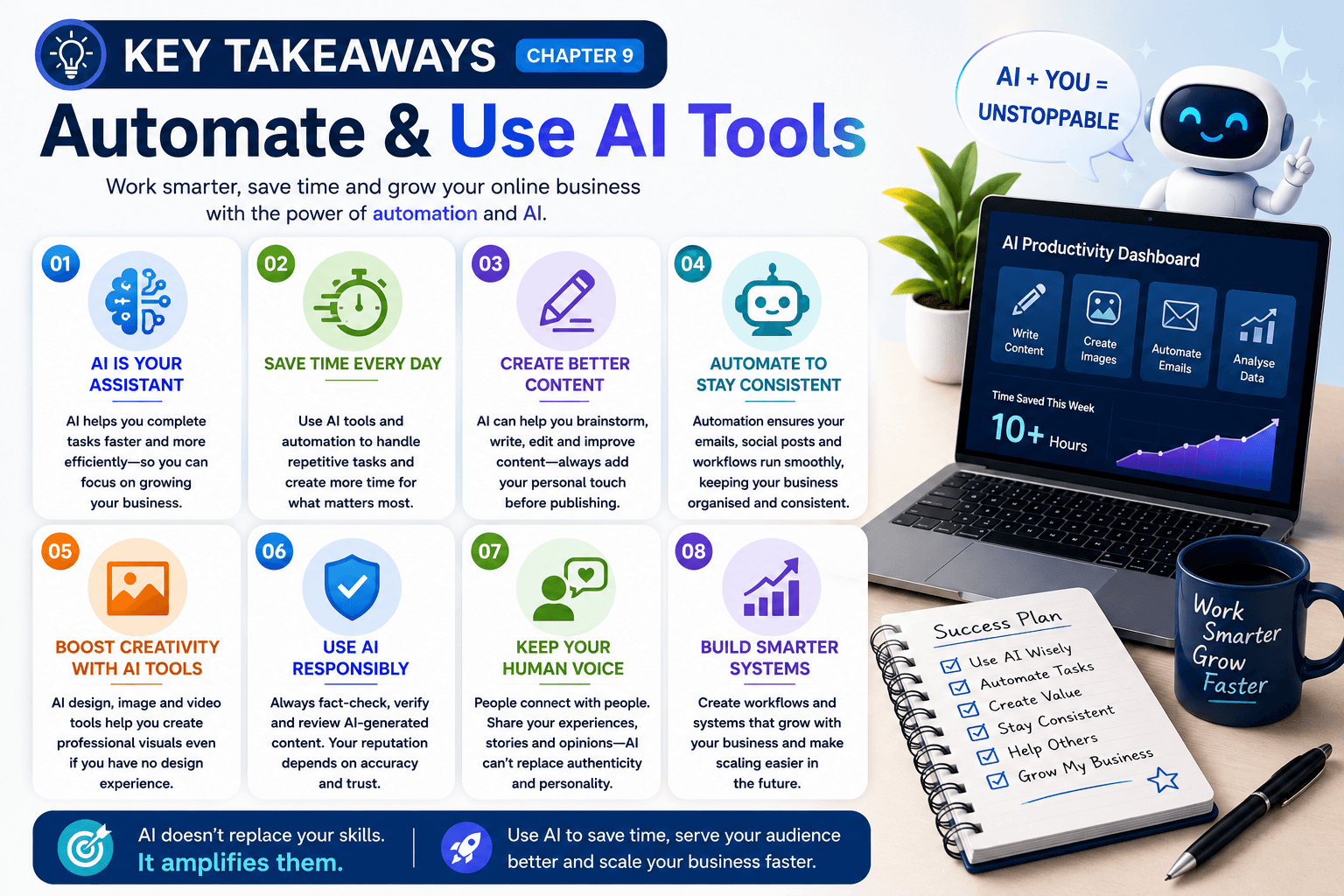
✅ AI helps you work smarter by reducing repetitive tasks.
✅ Start with one or two AI tools before expanding.
✅ Use AI to support your creativity—not replace it.
✅ Always fact-check and personalise AI-generated content.
✅ Automation saves time and improves consistency.
✅ Your experience and personality remain your greatest business advantage.
Chapter Completed
Congratulations!
You’ve now learned how artificial intelligence and automation can become valuable tools in your online business.
By combining your knowledge with modern AI technology, you can work more efficiently, create better content, and spend more time serving your audience.
Remember, AI is most powerful when it works alongside your skills—not instead of them.
In the final chapter, you’ll learn how to bring everything together, improve your systems, and scale your online business for long-term success.
➡ Continue to Chapter 10 – Scale Your Business
⭐ The businesses that thrive aren’t the ones using the most AI—they’re the ones using AI most wisely.
Already Know this?
Frequently Asked Questions
Do I need AI to build a successful online business?
No. Many successful businesses were built before AI became widely available. However, AI can save time, improve productivity, and help you complete repetitive tasks more efficiently.
Which AI tool should beginners start with?
Start with one tool that solves your biggest challenge. Many beginners begin with an AI writing assistant or an AI design tool because they provide immediate value without requiring technical knowledge.
Can AI write my entire website?
AI can help generate ideas, outlines, and drafts, but your website should reflect your own experience, personality, and expertise. Always review and personalise AI-generated content before publishing.
Is AI replacing human jobs?
AI is transforming many industries, and some repetitive tasks are becoming automated. However, people still value creativity, experience, trust, empathy, and genuine human connection—qualities that AI cannot replace.
Rather than competing against AI, successful online business owners learn how to work alongside it. By using AI to handle routine tasks, you can spend more time creating value, serving your audience, and growing your business.
Can AI create images and graphics?
Yes. AI can generate blog images, social media graphics, presentations, and marketing materials. Always review the results carefully to ensure they suit your brand and accurately represent your message.
How can automation save me time?
Automation can handle repetitive tasks such as sending welcome emails, scheduling social media posts, organising files, and following up with customers. This gives you more time to focus on growing your business.
Should I trust everything AI tells me?
No. AI can make mistakes or provide outdated information. Always verify important facts, especially when writing about health, finance, legal topics, or technical subjects.
Will AI continue to change online business?
Yes. AI technology is evolving rapidly and will continue to create new opportunities for entrepreneurs. Learning how to use AI responsibly today will help you stay competitive as new tools emerge.
- Chapter 9 of 10 90%
You’re 90% of the way through The Complete Online Business Roadmap. Keep going—you’re getting closer to launching a profitable online business.