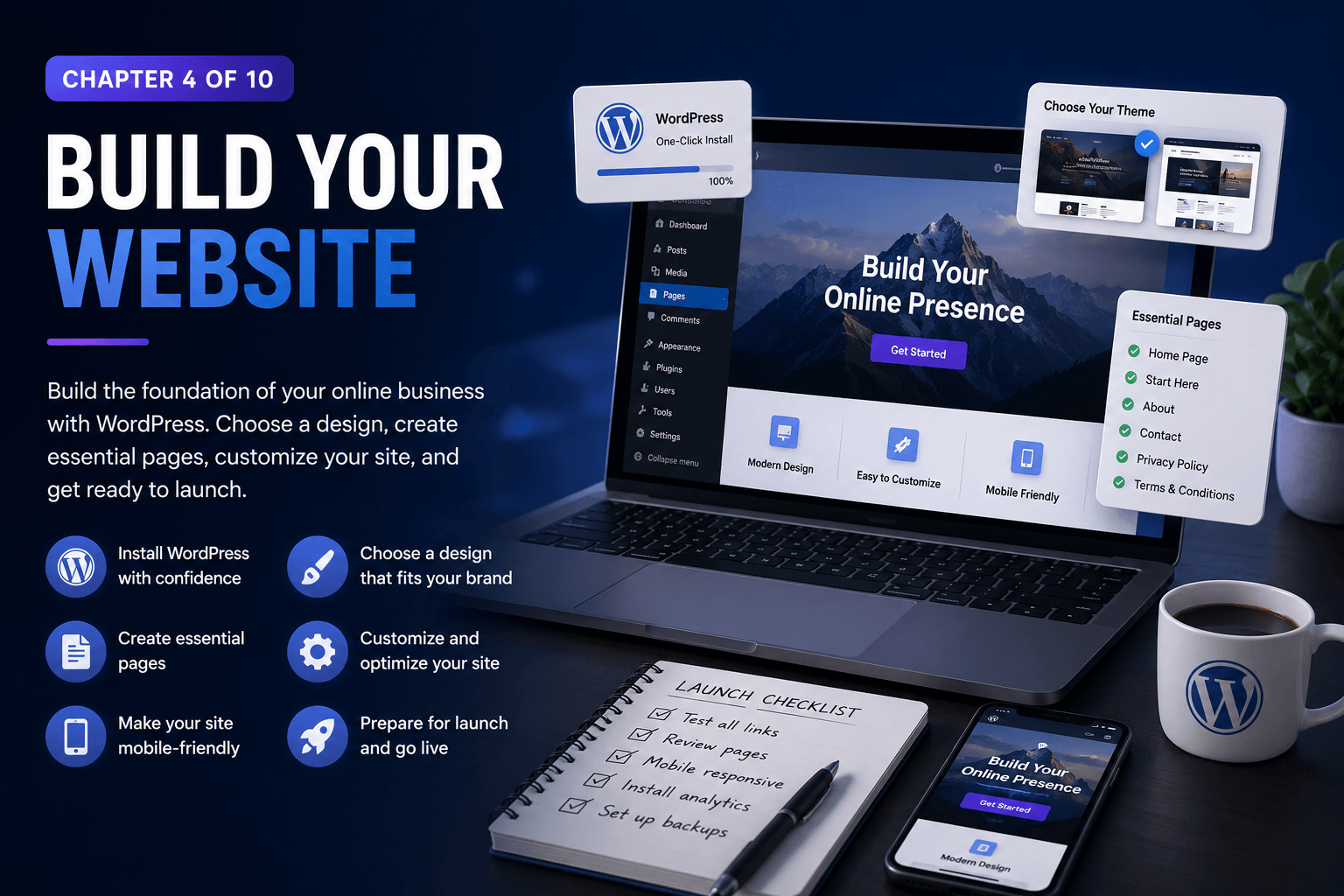
Chapter 4 of 10
BUILD YOUR WEBSITE
Introduction
Your website is the foundation of your online business. It’s where you’ll share your ideas, create content, build trust, and eventually earn income.
In this chapter, you’ll learn how to set up WordPress, choose a design, create important pages, and launch a website that can grow alongside your business.
Online Business Roadmap
- Chapter 4 of 8 47%
Reading Time
15 Minutes
Practical Exercise
30 Minutes
Difficulty
⭐⭐ Beginner
Estimated Completion
45 Minutes
What You’ll Learn in this Chapter
✔ Understand why WordPress powers millions of websites.
✔ Install WordPress on your hosting account.
✔ Learn the difference between themes and plugins.
✔ Choose a professional website design.
✔ Create the essential pages every website needs.
✔ Customize your website’s appearance.
✔ Make your website mobile-friendly.
✔ Prepare your site for launch.
Quick Tip
You don’t need a perfect website to get started. Build something simple, helpful, and professional—you can continue improving it as your skills and business grow.
Lesson 1: Why Your Website Matters
Your Website Is Your Online Home
Your website is the foundation of your online business. It’s the place where people learn about you, explore your products or services, and decide whether they trust what you have to offer.
Unlike social media platforms, which can change their rules at any time, your website belongs to you. You control the content, design, and experience that visitors receive.
Whether you want to start a blog, build an online store, promote a service, or create digital products, your website is where everything comes together.
Why your website matters
✔ You own and control your platform
✔ Build trust with your audience
✔ Share valuable content
✔ Grow your email list
✔ Create multiple income streams
Lesson 2 : Installing WordPress
Building Your Website
WordPress is the world’s most popular website-building platform, powering millions of websites across the internet.
Most hosting companies make it easy to install WordPress using a one-click installer. The entire process usually takes only a few minutes.
Once installed, you’ll be able to customise your website, publish content, and add new features as your business grows.
Basic installation steps
- Log in to your hosting account.
- Find the WordPress installer.
- Choose your domain name.
- Create your login details.
- Complete the installation.
- Log in to your new website.
Congratulations—your website is now live.
Lesson 3 – Understanding Themes and Plugins
The Building Blocks of Your Website
Themes and plugins are two of the most important parts of WordPress.
A theme controls the appearance of your website, including colours, fonts, layouts, and overall design.
A plugin adds extra features and functionality, such as contact forms, SEO tools, security, backups, and online stores.
Think of it like this:
🏠 Theme: The design of your house.
🛠️ Plugin: The tools and features inside it.
Together, themes and plugins allow you to build almost any type of website.
With thousands of free and premium options available, you can customise your website to suit almost any niche or business.
Popular plugin categories
✔ SEO
✔ Security
✔ Backups
✔ Contact forms
✔ E-commerce
✔ Performance
Lesson 4 – Choosing a Website Design
Create a Website That Reflects Your Brand
Your website design helps visitors decide whether they want to stay and explore.
Choose a layout that is clean, easy to navigate, and suited to your goals. Your visitors should be able to understand what your website offers within a few seconds of arriving. A simple design often performs better than one filled with unnecessary features and distractions.
Remember that your website will evolve over time. Focus on creating something clear and professional rather than trying to make it perfect from day one.
Keep your design:
✔ Clean and uncluttered
✔ Easy to navigate
✔ Mobile-friendly
✔ Consistent
✔ Focused on your audience
Lesson 5 – Essential Pages Every Website Needs
Start With the Basics
Every successful website needs a few core pages that help visitors understand who you are and what you offer.
These pages provide important information, build trust, and create a better experience for your audience.
Create these essential pages:
🏠 Home page
🚀 Start Here page
👤 About page
✉️ Contact page
🔒 Privacy Policy
📄 Terms and Conditions
You can always add more pages later as your website grows.
Lesson 6. Customising Your Website
Make Your Website Your Own
One of the best things about WordPress is how easy it is to personalise your website.
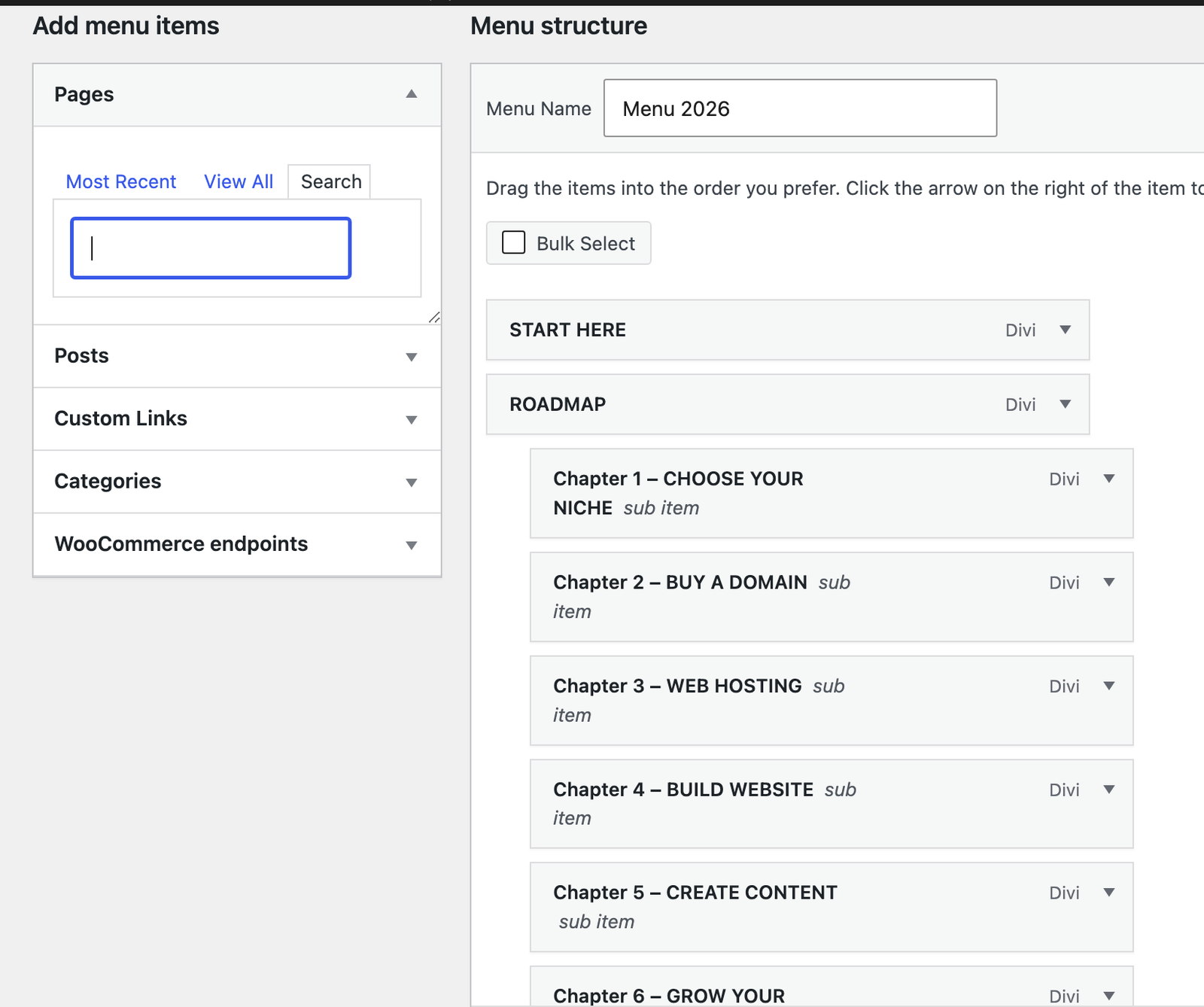
You can upload your logo, choose colours and fonts, create menus, and organise your content in a way that reflects your brand and makes it easy for visitors to find what they need.
Small improvements can make a big difference to the overall look and feel of your website.
Things you can customise:
✔ Add your logo
✔ Change colours and fonts
✔ Create menus
✔ Set up navigation
✔ Update your homepage
✔ Add images and icons
Lesson 7 – Making Your Website Mobile-Friendly
Design for Every Device
Today, most people browse the internet on their phones and tablets.
A website that looks great on a computer but performs poorly on mobile devices can frustrate visitors and cause them to leave.
Always check how your website appears on different screen sizes and make adjustments where necessary.
Before launching, check:
✔ Text is easy to read
✔ Buttons are easy to tap
✔ Images display correctly
✔ Menus work properly
✔ Pages load quickly
Lesson 8 – Preparing for Launch
Get Ready to Go Live
Before publishing your website, take some time to test everything carefully.
Checking the small details now can help you avoid problems later and ensure your visitors have the best possible experience.
Final launch checklist
✔ Test all links
✔ Review every page
✔ Check mobile layouts
✔ Install analytics
✔ Set up backups
✔ Test contact forms
✔ Proofread your content
Remember: your first website is only the beginning. As your skills, audience, and business grow, your website will evolve with you.
Practical Exercise
Time: 45 minutes
By the end of this chapter, try to:
☐ Install WordPress.
☐ Choose a theme.
☐ Create your homepage.
☐ Build your navigation menu.
☐ Publish your first pages.
🎁 Free Beginner Online Business Toolkit
Keep building with 5 practical tools designed to help you plan your business, organise your content and prepare your website for launch.
📌 Key Takeaways
-
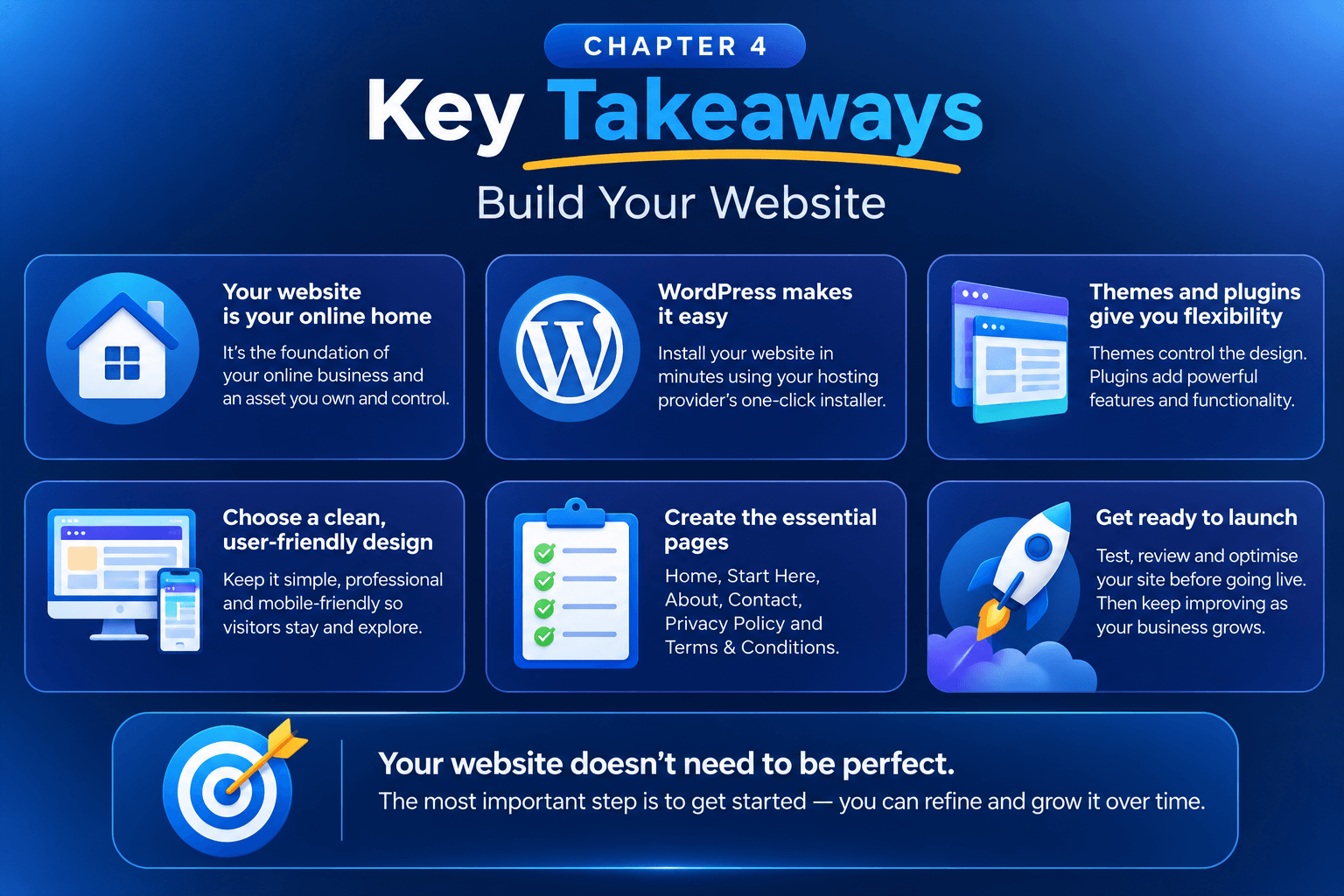
📌 By now you should understand:
- Your website is the foundation of your business.
- WordPress makes website building accessible.
- Themes control design and plugins add functionality.
- Every website needs a few essential pages.
- Your website will evolve as your business grows.
Chapter Completed
⭐ The journey doesn’t end here. New chapters are being added regularly as we continue building The Complete Online Business Roadmap.
Already Know this?
FREQUENTLY ASKED QUESTIONS
✅ Do I need to know how to code to build a website?
No. Modern website builders such as WordPress allow you to create professional websites without writing any code. Themes, page builders, and plugins make it easy for beginners to get started.
✅ Why do so many people use WordPress?
WordPress powers millions of websites because it is flexible, easy to customise, and suitable for blogs, businesses, online stores, and much more.
✅ What is the difference between a theme and a plugin?
A theme controls how your website looks, including colours, layouts, and fonts. Plugins add extra features such as contact forms, security tools, backups, and SEO functionality.
✅ How many pages should my website have when I start?
You only need a few essential pages to begin:
- Home page
- Start Here page
- About page
- Contact page
- Privacy Policy
- Terms and Conditions
You can always add more pages later as your website grows.
✅ Can I change my website design later?
Yes. Your website design is not permanent. As your business evolves, you can change themes, update colours, improve layouts, and add new features whenever you want.
✅ Do I need to make my website mobile-friendly?
Yes. Most people browse websites on phones and tablets, so your website should look good and work properly on all screen sizes.
✅ What plugins should I install first?
Most beginners start with plugins for:
✔ Security
✔ SEO
✔ Backups
✔ Contact forms
✔ Performance and speed
Try not to install too many plugins, especially when you’re just starting out.
✅ When is my website ready to launch?
Your website is ready when your essential pages are complete, your links and forms work correctly, and visitors can easily understand what your website is about.
Remember: your website doesn’t need to be perfect—it simply needs to be helpful and ready to grow with your business.
- Chapter 4 of 8 47%
GuideIntoPlace
Your Guide to Building a Profitable Online Business
Learn, build and grow your online business with step-by-step guides, free calculators, AI tools and practical resources.
GET STARTED:
Getting Started
- Start Here
- Choose a Niche
- Buy a Domain
- Build Your Website
- Create Helpful Content
- Earn Your First Income
Learn and Grow
- Affiliate Marketing
- SEO
- AI Tools
- Blogging
- Email Marketing
- Social Media
- Reviews
Business Tools
Helping beginners build profitable online businesses.
Made with ❤️ in New Zealand
© 2026 GuideIntoPlace